Markdown
Hey friends! 👋
Code
Inline sample code looks like this.
JavaScript
const isSomething = true;// Greeting functionfunction greet(name: string) { const a = 123; console.log(`Hey ${name}! 👋`);}function resolveAfter2Seconds(x) { return new Promise((resolve) => { setTimeout(() => { resolve(x); }, 2000); });}// async function expression assigned to a variableconst add = async function (x) { const a = await resolveAfter2Seconds(20); const b = await resolveAfter2Seconds(30); return x + a + b;};add(10).then((v) => { console.log(v); // prints 60 after 4 seconds.});// async function expression used as an IIFE(async function (x) { const p1 = resolveAfter2Seconds(20); const p2 = resolveAfter2Seconds(30); return x + (await p1) + (await p2);})(10).then((v) => { console.log(v); // prints 60 after 2 seconds.});// From https://developer.mozilla.org/en-US/docs/Web/JavaScript/Reference/Operators/async_functionCSS
/* Reset some default styles for better cross-browser consistency */body,h1,p { margin: 0; padding: 0;}/* Apply a background color and text color to the body */body { background-color: #f2f2f2; color: #333; font-family: Arial, sans-serif;}/* Add some spacing and styling to paragraphs */p { margin-bottom: 20px; line-height: 1.5;}/* Style links with different colors and remove underlines */a { color: #007bff; text-decoration: none;}a:hover { text-decoration: underline;}HTML
<!doctype html><html lang="en"> <head> <meta charset="UTF-8" /> <meta name="viewport" content="width=device-width, initial-scale=1.0" /> <title>Sample Webpage</title> <link rel="stylesheet" href="styles.css" /> </head> <body> <header> <h1>Welcome to Our Website</h1> </header> <div class="container"> <div class="column"> <h2>About Us</h2> <p> Lorem ipsum dolor sit amet, consectetur adipiscing elit. Sed ut perspiciatis unde omnis iste natus error... </p> <a href="#" class="button">Learn More</a> </div> <div class="column"> <h2>Contact</h2> <p>Email: contact@example.com</p> <p>Phone: +1 (123) 456-7890</p> <a href="#" class="button">Contact Us</a> </div> </div> </body></html>Titles
Breaking out of semantic layout for demonstration purposes.
Building Blocks of the Web
Behind every captivating website, from minimalist blogs to dynamic e-commerce platforms, lies the humble language of HTML. These unassuming tags and elements form the backbone of every web page, defining its structure and content, ready to be styled and animated into a visual masterpiece.
Designing with CSS
While HTML provides the structure, CSS steps in to add the flair. It’s the master stylist, dictating colors, fonts, layouts, and animations, transforming a basic web page into a visually engaging experience. From subtle gradients to bold typography, CSS unlocks a world of creative possibilities, ensuring every element looks its best.
JavaScript’s Dynamic Touch
When a website feels alive, it’s often JavaScript working its magic behind the scenes. This versatile language adds interactivity and responsiveness, enabling elements to respond to user actions, create dynamic animations, and power complex web applications. From seamless form validation to immersive games, JavaScript brings web experiences to life.
The Quest for Accessibility
Web development isn’t just about visual appeal; it’s about inclusivity. Building accessible websites ensures everyone can enjoy the online world, regardless of their abilities. Semantic HTML, alternative text for images, and keyboard navigation are just a few tools that empower users with disabilities to experience the web fully.
Responsive Design
Adapting to Every Screen: In a world of diverse devices, responsive design reigns supreme. It’s the art of crafting websites that fluidly adapt to different screen sizes, ensuring seamless experiences on desktops, tablets, and smartphones alike. Flexible layouts, media queries, and thoughtful content prioritization create harmonious experiences across the digital landscape.
The Ever-Evolving Landscape
Web development is a realm of constant innovation. New technologies, frameworks, and best practices emerge continuously, pushing the boundaries of what’s possible online. Staying curious and embracing continuous learning are essential traits for web developers who seek to create impactful and engaging digital experiences.
Horizontal Rules
Emphasis
Bold text
Italic text
Strikethrough
Blockquotes
This is a sample blockquote.
Nested blockquote with additional greater-than signs.
And one move level of nested blockquote.
Lists
Unordered
Create a list by starting a line with
-Sub-lists are made by indenting 2 spaces:
- Marker character change forces new list start:
- Ac tristique libero volutpat at
- Facilisis in pretium nisl aliquet
- Nulla volutpat aliquam velit
- Marker character change forces new list start:
Very easy!
- Nulla volutpat aliquam velit
Start a list by using a hyphen at the beginning of a line.
If you want sub-lists, just indent by two spaces:
- Changing the marker to a different character starts a new list:
- Lorem ipsum tristique libero volutpat at
- Facilisis in pretium nisl aliquet
- Nulla volutpat aliquam velit
- It’s quite simple!
- Changing the marker to a different character starts a new list:
Ordered
- Explore the fascinating world of technology.
- Dive into the realms of creative design and innovation.
- Embark on a journey of continuous learning and skill development.
- Connect with a community of like-minded professionals.
- Make a positive impact through your work and contributions.
- Embrace challenges as opportunities for growth.
- Cultivate a mindset of curiosity and adaptability.
- Foster meaningful collaborations with diverse teams.
Offset order
- Stay inspired by staying informed about industry trends.
- Celebrate achievements, both big and small, along the way.
Sample task list
- Plan the marketing strategy
- Create a social media calendar
- Design promotional graphics
- Conduct market research
- Schedule team meeting
- Prepare project documentation
Tables
Default
| Name | Occupation | Experience |
|---|---|---|
| Alice | Web Developer | 3 years |
| Bob | Graphic Designer | 5 years |
| Charlie | Data Analyst | 2 years |
| David | UX Designer | 4 years |
Right aligned columns
| Country | Capital | Population (millions) |
|---|---|---|
| USA | Washington, D.C. | 331 |
| France | Paris | 67 |
| Japan | Tokyo | 126 |
| Australia | Canberra | 25 |
Links
Autoconverted link https://jshikanova.vercel.app/
Images

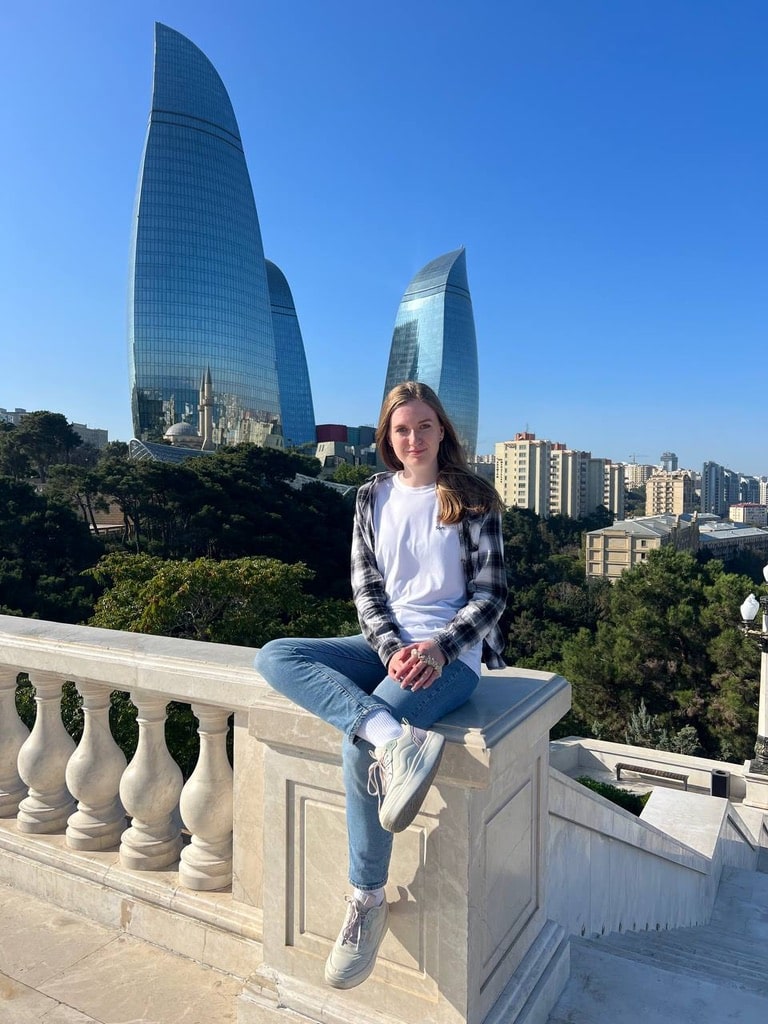
Footnote style syntax for image with reference in other part of document:
![Alt text][me][me]: /images/Julia_Shikanova_2.jpeg 'Julia Shikanova, but in Baku'